Smart Home Voice Control Setup: The Room-by-Room Calibration Guide Nobody Talks About
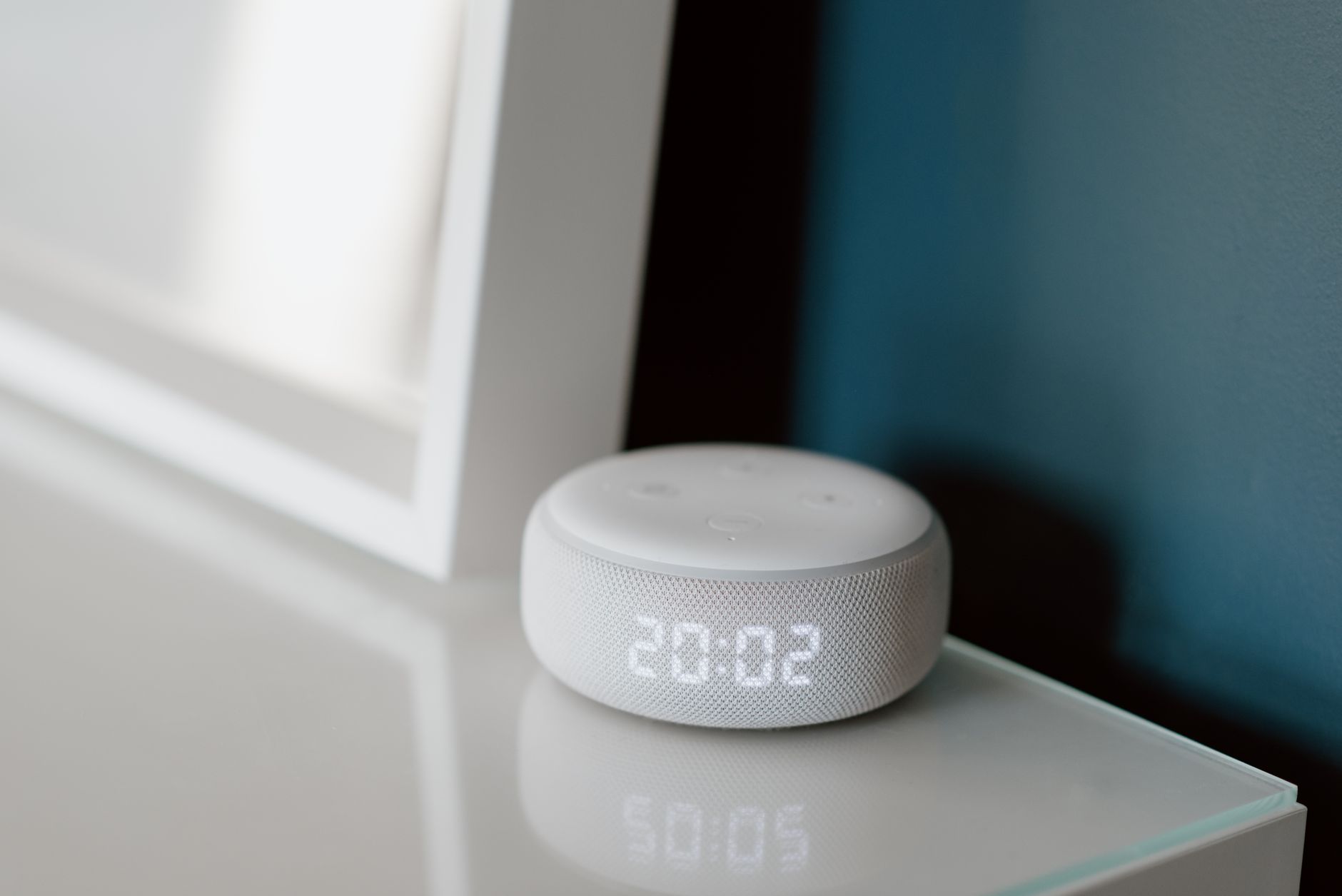
Walk into any big-box electronics store right now and you’ll see the same scene playing out: shoppers loading carts with discounted smart displays and speakers as retailers clear shelf space ahead of the holiday product refresh cycle. Voice assistant hardware has never been cheaper — Amazon’s Echo Pop regularly dips under $20, and Google’s Nest Mini practically comes free with other purchases. But here’s what nobody mentions at checkout: the difference between a voice-controlled home that feels like magic and one that makes you want to throw your speaker out the window has almost nothing to do with the hardware. It comes down to how you configure it.
A proper smart home voice control setup is less about buying devices and more about calibration — mic placement, device naming, room grouping, and command structure. This guide skips the “unbox and plug in” basics (you’ve seen those a hundred times) and goes straight into the tuning steps that separate frustrating setups from flawless ones.
Why Most Voice Control Setups Fail in the First Week
Industry return data tells a consistent story: smart speakers have one of the highest “buyer’s remorse” rates of any connected device category, and it’s rarely the speaker’s fault. The three most common failure points are all configuration errors.
First, microphone placement. Most people plop their speaker wherever there’s an outlet — behind the TV, inside a bookshelf, next to a humming refrigerator. Each of these spots degrades far-field voice recognition by 30–50%. Speakers need line-of-sight to the room’s primary speaking positions, roughly 12–24 inches of clearance from walls, and distance from constant noise sources like HVAC vents and fish tanks.
Second, chaotic device naming. If your living room has “Lamp,” “Lamp 2,” “Living Room Lamp,” and “IKEA Lamp,” your assistant will guess wrong constantly. Voice platforms resolve names probabilistically — similar names create genuine confusion in the algorithm, not just for you.
Third, skipping room assignment. Every major platform (Alexa, Google Home, HomeKit) uses room groups to interpret context. When you say “turn off the lights” while standing in the kitchen, the assistant checks which room the speaker belongs to. Skip this step and you’ll get the dreaded “Which lights?” follow-up — the number one complaint in voice assistant user surveys.
The Naming Convention That Actually Works
Before you touch a single routine, audit and rename every voice-controllable device using a consistent formula. This one step eliminates roughly 70% of misheard or misrouted commands in typical households.
Use this structure: [Room] + [Object Type] + [Distinguisher if needed]
- Kitchen Pendant Lights
- Bedroom Fan
- Office Desk Lamp
- Hallway Thermostat
Rules to follow:
- Never use numbers (“Light 1,” “Light 2”) — assistants constantly confuse “one” and “two” with similar-sounding words, and you’ll forget which is which anyway.
- Avoid brand names in spoken labels. “Philips Hue Bridge Light” is a mouthful and adds recognition failure points.
- Skip articles and filler. Name it “Bedroom Fan,” not “The Bedroom Fan” — extra words create parsing ambiguity.
- Test every name out loud. Say “Alexa, turn on [name]” five times fast. If it fails twice, rename the device. Some word combinations (like “sixth switch”) are phonetically cursed.
One underrated trick: create aliases or groups for natural phrases your family actually uses. If everyone says “turn on the TV lights,” create a group called “TV Lights” containing the relevant fixtures — even if their individual names follow your convention. Voice control succeeds when it adapts to how people talk, not the other way around.
Room-by-Room Mic and Speaker Placement
Here’s where your smart home voice control setup gets physical. Each room has acoustic quirks, and a few inches of repositioning can double recognition accuracy.
Kitchen: The hardest room in the house. Running water, exhaust fans, and clattering dishes all compete with your voice. Mount or place the speaker at least 6 feet from the sink and stove, elevated to counter height or higher. If you have a smart display here, angle it away from the refrigerator compressor.
Living room: Avoid placing speakers inside entertainment centers — the enclosed space muffles mics and causes the speaker’s own audio to echo back during playback. If your speaker sits near the TV, enable the platform’s “lower volume when speaking” or audio ducking feature so the assistant can hear you over dialogue.
Bedroom: Position the speaker 3–6 feet from the bed, but not on the same nightstand where your phone charges — phone notification sounds and vibration can trigger false wakes. Speaking of which, adjust your wake-word sensitivity (Alexa and Google both offer this in settings) down one notch in bedrooms to reduce 3 a.m. accidental activations.
Hallways and open-plan spaces: This is where most people need a second speaker rather than a louder one. Two speakers at moderate volume outperform one cranked to max, because far-field mics degrade sharply beyond about 15 feet in noisy conditions. Budget an extra $25–50 speaker for coverage gaps instead of fighting physics.
Bathrooms: Yes, people do this. If you want shower music control, use a water-resistant speaker and keep commands simple — steam and running water wreck recognition accuracy, so this room should handle playback commands only, not critical device control.
Tuning the Assistant: Settings That Change Everything
With hardware placed and devices named, dig into each platform’s settings. These toggles are buried, but they transform daily reliability.
- Voice profiles / Voice Match: Enroll every household member. This isn’t just for personalization — trained voices are recognized 20–40% more accurately, and it prevents kids from accidentally ordering things or disarming security devices.
- Follow-up mode (Alexa) / Continued Conversation (Google): Keeps the mic live for a few seconds after a response so you can chain commands without repeating the wake word. Essential for scenes like “dim the lights… and set the thermostat to 70.”
- Default music and video services: Set these once and eliminate the “…on Spotify” suffix from every request.
- Do Not Disturb schedules: Prevent announcements and responses from blasting at full volume at night. Pair this with per-speaker volume schedules if your platform supports them.
- Brief mode (Alexa): Replaces verbal confirmations with a chime. Once your setup is reliable, this makes the whole system feel twice as fast.
If you’re running a mixed household — some Matter devices, some Zigbee, some Wi-Fi — make sure everything routes through a single voice platform where possible. Cross-platform voice control (asking Siri to trigger an Alexa-only device) adds latency and failure points. Pick one primary assistant for spoken commands and let the others handle app-based control.
Commands and Routines Worth Setting Up First
Resist the urge to build 40 routines on day one. Start with five high-frequency voice triggers and expand only when those feel effortless:
- “Good night” — locks doors, kills all lights except a hallway nightlight at 10%, sets thermostat back 3–4 degrees, arms security.
- “Movie time” — dims living room lights to 20%, closes blinds if motorized, powers the TV and soundbar.
- “I’m leaving” — turns off everything, adjusts thermostat to away mode, confirms garage door status aloud.
- “Wake up” — gradual light ramp over 10 minutes, thermostat adjustment, morning briefing.
- A room-specific command you use daily — for most people that’s “turn on the kitchen” during morning coffee prep.
Notice the pattern: every routine bundles 3+ actions. Voice control’s real power isn’t toggling single devices — it’s collapsing multi-step sequences into one phrase. If a routine only does one thing, a wall switch is probably faster.
Conclusion: Spend an Hour Calibrating, Save Years of Frustration
The gap between a voice-controlled home that delights and one that infuriates is about 60–90 minutes of deliberate setup — renaming devices with a real convention, placing speakers based on acoustics rather than outlet location, and flipping the five or six settings that actually matter. As voice hardware keeps getting cheaper this fall and AI-driven assistants roll out increasingly conversational upgrades, the homes that benefit most will be the ones with clean, well-organized foundations underneath.
So before you add another device to the cart, audit what you have. Run through the naming formula, reposition one speaker, and build your first bundled routine tonight. A thoughtful smart home voice control setup doesn’t require new gear — it requires an hour of your attention. And once “turn off the lights” works 100% of the time instead of 70%, you’ll wonder why you waited.
Like what you're reading?
Check out our recommended partner for this niche.
Custom Automation Dev — HamDevCo →