Smart Home Security Systems: Complete Setup Guide 2024
Smart Home Security Systems: Complete Setup Guide 2024

Transforming your home into a fortified smart security hub has never been more accessible. Whether you’re a tech enthusiast or a homeowner looking to enhance safety, this comprehensive guide walks you through everything needed to build a professional-grade security system without professional installation costs.
Why Smart Home Security Matters Today
Home security has evolved dramatically. Traditional alarm systems operated in isolation, but modern smart security integrates seamlessly with your entire home ecosystem. You gain real-time notifications, remote monitoring, and automation triggers that respond intelligently to threats.
The beauty of DIY smart home security lies in customization and cost savings. You control what devices you purchase, where you install them, and how they work together. Most systems pay for themselves within two years through reduced insurance premiums and theft prevention.
Essential Components for Your Smart Security System
Smart Door and Window Sensors
These are your first line of defense. Door and window sensors use magnetic contact switches to detect when entry points open. When properly installed, they alert you instantly via your smartphone, even when you’re miles away.
Installation tips:
- Place sensors on all exterior doors and ground-floor windows
- Ensure magnetic components are perfectly aligned for reliable operation
- Test sensors monthly to confirm proper functioning
- Use redundant sensors on vulnerable access points
Smart Video Doorbell and Cameras
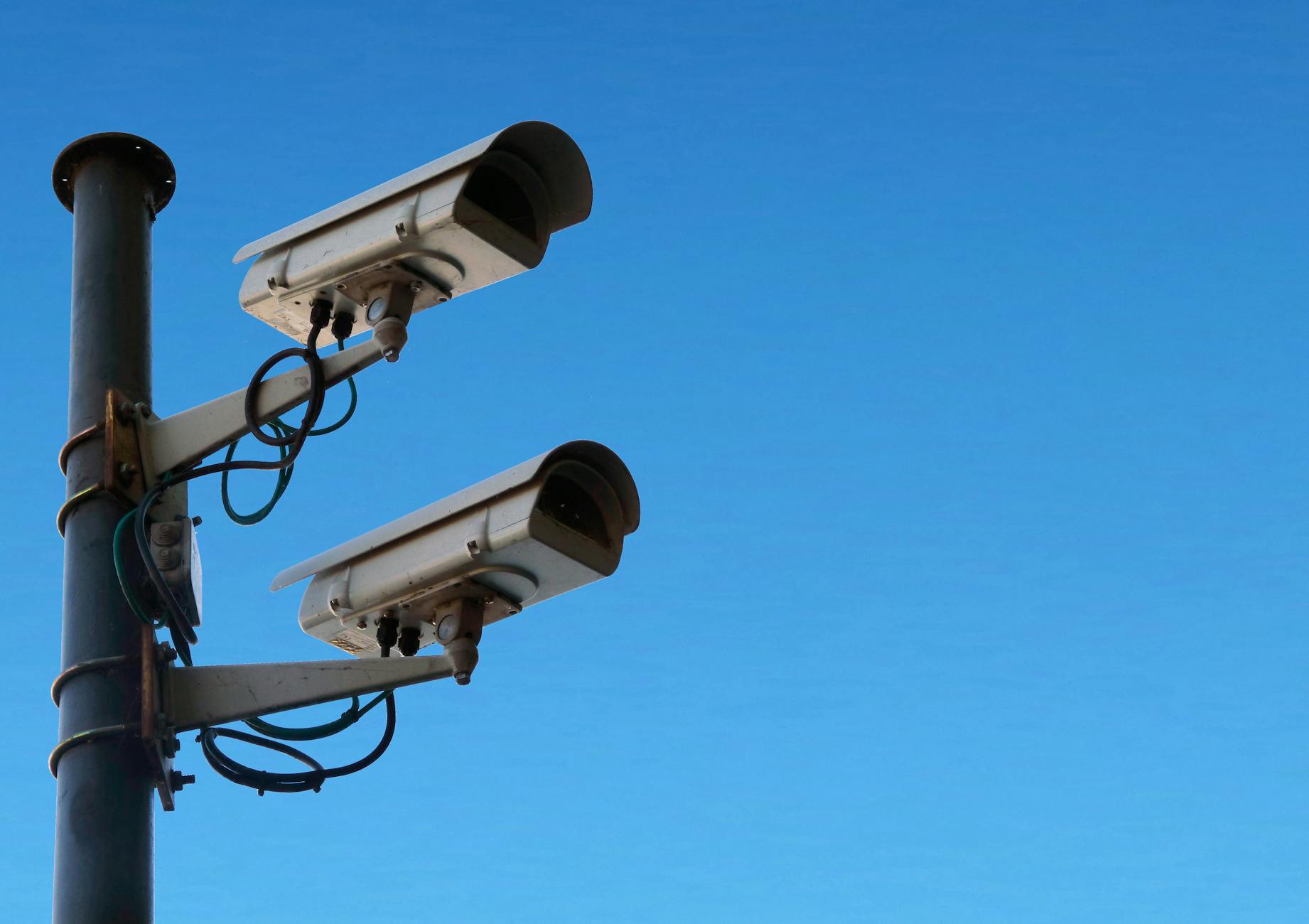
Visual verification transforms your security posture. A smart video doorbell lets you see who’s at your door without opening it. Multi-camera setups provide comprehensive coverage of your property’s perimeter.
Camera placement strategy:
- Install the doorbell camera at eye level for optimal facial recognition
- Position corner cameras to eliminate blind spots
- Ensure adequate lighting; many cameras include night vision
- Select cameras with two-way audio for communication
- Verify cloud storage or local backup solutions exist
Motion Detection Sensors
Motion sensors trigger alerts when movement occurs in monitored areas. They’re invaluable for detecting intruders and can automate lighting for convenience and deterrence.
Optimal placement includes:
- Living areas frequented by intruders
- Basements and garages
- Stairwells and hallways
- Areas with minimal false-alarm triggers
Smart Lock Systems
A quality smart lock eliminates key-related vulnerabilities. You grant temporary access codes to service providers, monitor lock status, and receive notifications when doors are unlocked.
Selection criteria:
- Battery backup for power failures
- Compatibility with your smart home platform
- Encrypted communication to prevent hacking
- Manual override capability
- Weather-resistant construction for exterior doors
Choosing Your Smart Home Hub
Your hub serves as the central command center, enabling communication between all devices. Popular options include Amazon Alexa, Google Home, Apple HomeKit, and dedicated systems like SmartThings.
Evaluation factors:
- Compatibility: Ensure your chosen hub supports all planned devices
- Reliability: Select established platforms with strong security records
- User interface: Prioritize intuitive apps and dashboards
- Redundancy: Consider multiple hubs for critical security systems
- Local processing: Devices processing data locally offer enhanced privacy
DIY Installation Best Practices
Planning Your Network
Before purchasing anything, map your home’s Wi-Fi coverage. Smart security devices require reliable connectivity. Weak signal areas need range extenders or mesh Wi-Fi systems.
Network preparation steps:
- Test signal strength throughout your home
- Identify dead zones requiring coverage expansion
- Create a dedicated network for IoT devices
- Configure strong passwords and enable encryption
- Plan router placement for optimal distribution
Installing Sensors and Cameras
Proper installation ensures device longevity and reliable operation.
General installation protocol:
- Clean surfaces before applying adhesive strips
- Use drill-and-screw mounting for permanent installations
- Leave adequate space for housing and maintenance access
- Label all devices for future troubleshooting
- Document battery types and replacement schedules
- Test connectivity immediately after installation
Configuring Your System
Device installation is merely the beginning. Configuration determines how your system protects you.
Essential configuration tasks:
- Download and install manufacturer apps
- Create secure accounts with strong, unique passwords
- Enable two-factor authentication universally
- Configure notification preferences (alerts, sounds, silent mode)
- Create automation routines (arm system at night, disarm when home)
- Set up geofencing for automatic responses based on location
- Configure recording schedules and storage retention
Security Best Practices for Smart Home Systems
Protecting Your System from Hacking
Your security system is only as strong as its cybersecurity.
Hardening your setup:
- Update firmware automatically whenever available
- Use strong, unique passwords—consider a password manager
- Enable encryption on all devices
- Disable remote access if unused
- Regularly review access logs and connected devices
- Use a VPN when accessing your system remotely
- Monitor for suspicious activity notifications
Maintenance and Testing
Regular maintenance prevents system failures during critical moments.
Monthly maintenance routine:
- Test all sensors and cameras
- Review footage to verify recording quality
- Check battery levels on wireless devices
- Verify system connectivity and responsiveness
- Confirm cloud backups are occurring
- Test automation routines
- Review and update access permissions
Integration with Other Smart Home Devices
Your security system works best when integrated with other automation. Create routines where security triggers activate complementary actions:
- Trigger lighting when motion is detected at night
- Activate sirens and notification alerts simultaneously
- Lock doors automatically when you leave
- Adjust thermostats based on occupancy
- Record camera footage when door sensors trigger
- Send alerts to multiple household members instantly
Budget-Friendly System Building
Effective security doesn’t require maximum spending. Build your system incrementally:
Phase One (Basic - $200-400):
- Smart hub
- Door/window sensors for main entry points
- Basic motion detector
Phase Two (Enhanced - $400-800):
- Add video doorbell
- Install additional cameras
- Add smart lock to front door
Phase Three (Complete - $800-1500):
- Expand camera coverage
- Add smart locks to secondary doors
- Install advanced motion sensors
- Integrate with additional smart home devices
Troubleshooting Common Issues
Device connectivity problems: Restart your hub and individual devices. Move closer to the router to test connection strength. Update firmware immediately.
False alarm triggers: Adjust motion sensor sensitivity and placement. Exclude pets from detection zones. Review and modify automation triggers.
Recording gaps: Check internet upload speeds. Verify cloud subscription status. Confirm local storage has available space.
App unresponsiveness: Update the app and system firmware. Clear the app cache and restart your smartphone. Verify hub connectivity to internet.
Conclusion
Building a comprehensive smart home security system is entirely achievable for DIY enthusiasts. Start with essential components, expand strategically, and maintain security best practices throughout. Your investment in protection provides peace of mind, reduced insurance costs, and integration with modern living. Take the first step today—your home’s security is worth the effort.
Like what you're reading?
Check out our recommended partner for this niche.
Custom Automation Dev — HamDevCo →